
Software
Sai Suite
Sai Suite on this path refers to the SAi setup used to prepare wall-art files for print, panel layout, and output checks. It is the point where artwork dimensions, media settings, and job details are aligned before production moves ahead.
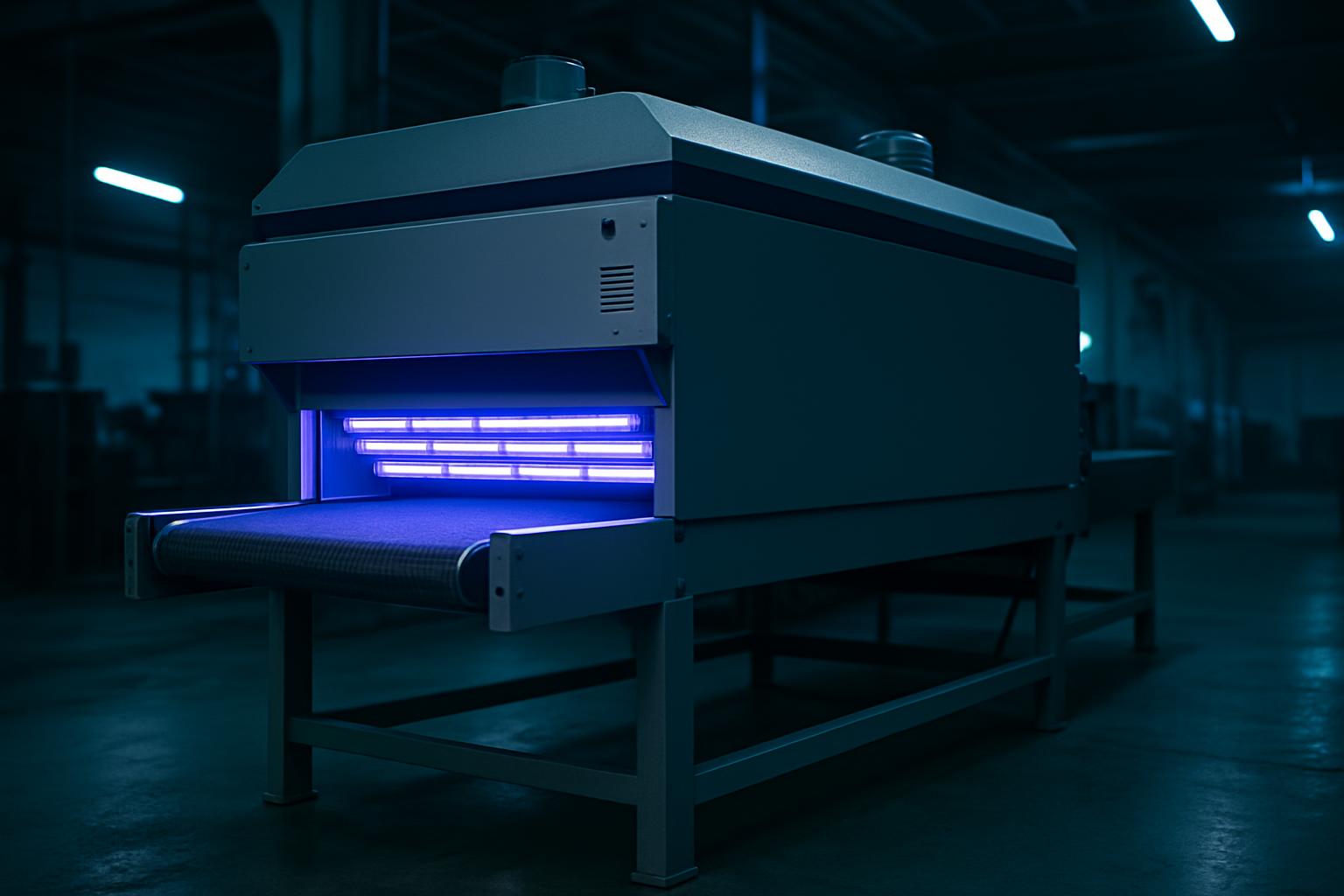
SAi job setup for wall art
Sai Suite refers to the workflow around SAi software in our wall-art production process. The path manages artwork, output, and job setup for décor printing.
In Sai Suite, the first check is usually document size against the measured wall and final panel split. Media choice, colour intent, and cutter or printer presets need to match the selected décor material before the file is released. On South African projects, teams also watch for site moisture near the coast, generator changeovers, and transport handling between Johannesburg, Durban, and Cape Town.
A site photo next to the Sai Suite file helps when trimming margins, matching scale, or confirming where joins will land. Many teams save a short production note with the artwork so reprints use the same profile, panel order, and output settings. That record is useful when installers query orientation on site or a client asks for one section only.
Output details captured in SAi
The Sai Suite workflow should leave the job with named files, correct finished size, and a media profile that matches the intended wall-art product. Panel numbers, bleed, crop references, and print direction are easier to verify here than at the printer. One accurate setup note prevents avoidable waste on vinyl, canvas, or wallpaper stock.
Before sending work on, compare the Sai Suite layout with the matching substrate note and the approved artwork entry under Design notes. Recheck panel count, colour profile, and the label that will travel with the printed set. Share a photo of the space and the print finish you like, and the studio will plan the piece.
- Finished size matched to wall measurements
- Panel order checked before printing
SA production conditions affecting SAi
Sai Suite work for décor printing often changes with project type, from apartment feature walls to retail display graphics and hospitality panels. Gauteng jobs may focus on tight installation windows, while KZN and Western Cape sites can raise extra concerns around humidity and storage before fitting. Existing brand artwork, supplied dimensions, and repeat patterns should be flagged at the start of the SAi setup.
Coastal conditions can influence adhesive media, laminate choice, and how long printed stock should stand before packing. Inland dust and handling on busy fit-out sites affect how finished pieces are wrapped and labelled. Load-shedding also matters because interrupted output can alter print sequencing and operator checks.
Operated by Astros Marketing (Pty) Ltd from 2 Makro Place, Sunnyrock 1401.
Information needed before SAi setup
Send wall measurements, artwork scale, material choice, and any previous print issue with the Sai Suite request. Add photos showing corners, bulkheads, plug points, or other obstacles that affect panel breaks.
Save the Sai Suite note while the file version, output preset, and approval details are still clear. It helps when the buyer, printer, or installer needs the exact production reference linked back to the artwork.
What our Wall Art Design customers say
Verified Google reviews