
Software
Spare License
Spare License is the extra software access used when a décor file must keep moving during a seat conflict, PC fault, or production handover. On wall-art jobs, that matters when print prep, edits, approval records, and output settings cannot sit idle while another operator waits.
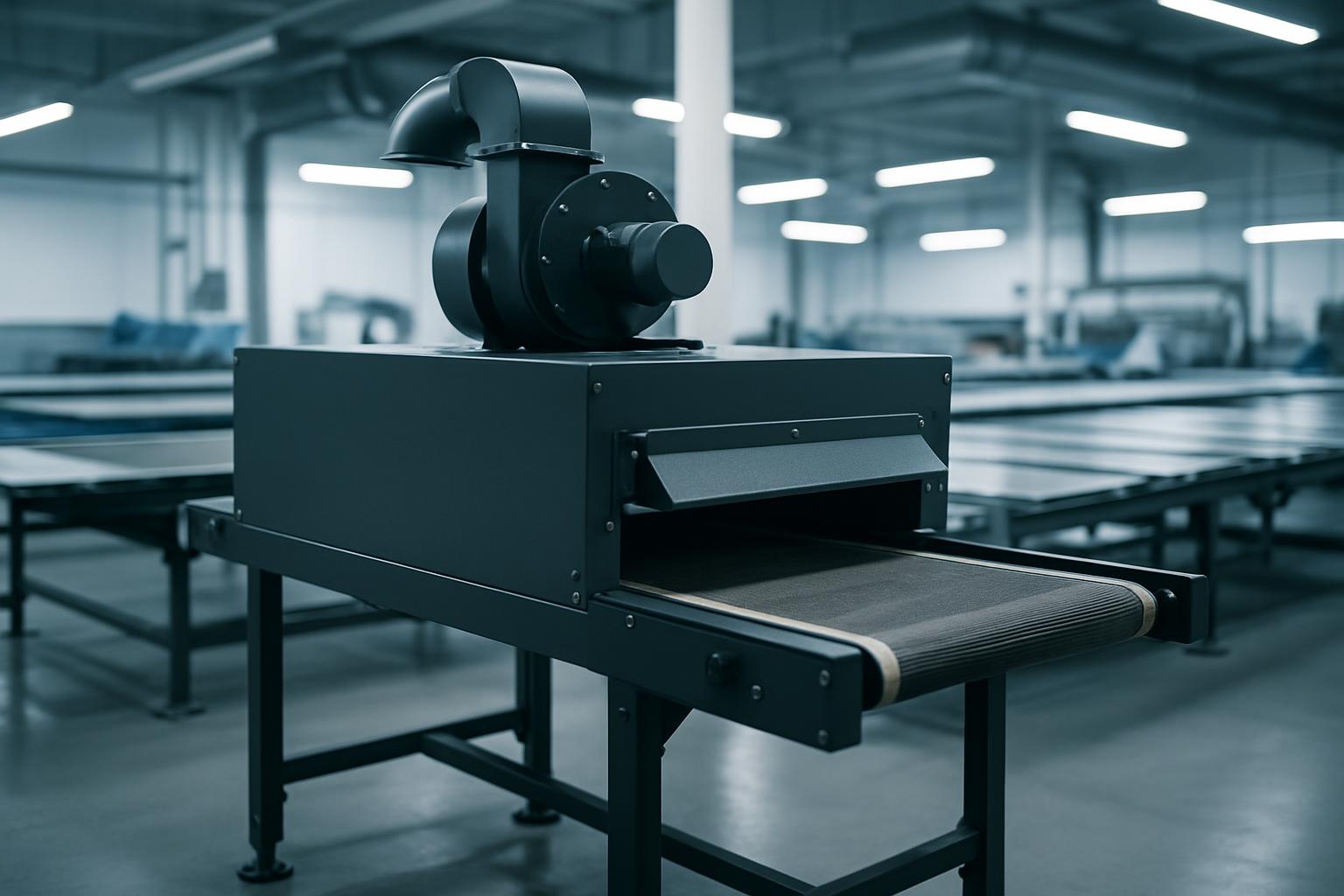
Second seat during live output
Spare License covers the extra access needed when a software seat or production setup cannot stop a running décor job. It helps teams understand how continuity is handled when artwork still needs to move.
A spare licence is usually called up when artwork is being revised while the main workstation is tied to ripping, nesting, or proof output. In South African décor studios, that often happens during retail refreshes, hotel change-outs, and multi-room residential batches where vinyl, canvas, acrylic, or framed prints are moving at the same time. Load-shedding, shared devices, and off-site approvals all make duplicate access easier to justify.
Keep a record of which machine opened the active file, which profile was used, and where linked images are stored. That note should sit with the artwork folder so the backup operator does not swap scale, bleed, or crop settings during a rushed handover. One missed export setting can affect an entire print batch.
What the spare seat covers
A spare licence supports continuity for software use, not an extra design concept or a duplicate print order. A spare licence helps when colour checks, panel layouts, cutter marks, or press-ready files must be accessed on another station without stopping the current décor run. Teams can map who works where before installers or packers are waiting on output.
Link the spare licence request to the correct artwork version, substrate choice, and output device before access is added. Then check fonts, image links, scale, and panel order on both stations so the backup setup matches the live one. Share a photo of the space and the print finish you like, and the studio will plan the piece.
- Extra access for active décor files
- Backup workstation checked before output moves
- Continuity note kept with artwork folder
SA production pressures to consider
Gauteng studios often juggle dispatch times, shared operators, and client changes that land late in the day. A spare licence becomes useful when one workstation is occupied with export or RIP processing and another person still needs to amend room sets, resize panels, or issue a proof. That is common on programmes feeding Johannesburg, Durban, Cape Town, and smaller regional installs from one artwork pool.
Coastal humidity can change how some media are handled after print, especially where curing and packing happen in the same shift. Inland dust and frequent power interruptions make it sensible to save output presets, trim marks, and final PDFs where a second machine can find them quickly. The licence should support the production routine that is actually in place at the site.
Operated by Astros Marketing (Pty) Ltd from 2 Makro Place, Sunnyrock 1401.
Details to send with access
Include the job name, current software seat, device being used, and the point where work stopped or slowed. Mention whether the file is in design, proofing, RIP, print, or reprint stage so the extra access is tied to the correct part of production.
Store the note while file names, approvals, and panel counts are still easy to verify. Place the note beside the project brief and artwork references when a buyer, studio manager, or installer needs the software trail explained.
What our Wall Art Design customers say
Verified Google reviews